Google Earth
About Google Earth
Google Earth is a virtual globe, map and geographical information program provided by Google Inc. To view flyovers on this CD, Google Earth is needed to be installed on your personal computer(s) running any of the following operating systems including; Windows 2000 and above, Mac OS X 10.3.9 and above, Linux kernel: 2.6 or later (released on June 12, 2006), and FreeBSD.
Brief tutorial
After you get Google Earth installed, Click the uppermost Google Earth button on this page. Then click the "flyover" you want to view. Then the information will appear under the Places panel of Google Earth and the map will zoom to the coverage area as shown below.
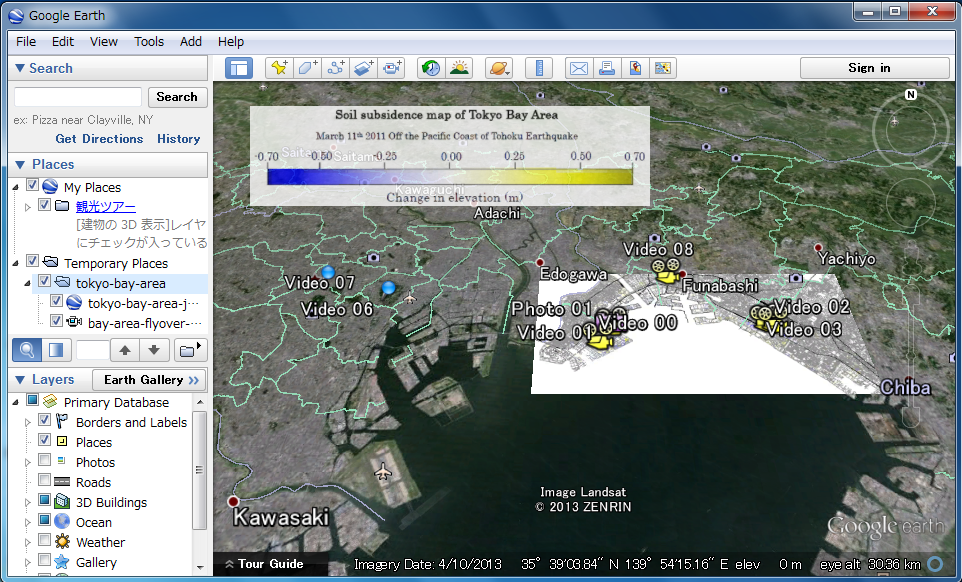
Start flyover (Windows and Mac OS X)
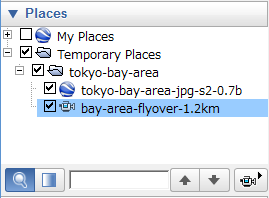
You will find "bay-area-flyover-1.2km" under "temporary places" on the place panel. Either double-clicking it or clicking  button will start the flyover tour. Flyovers on iPad start automatically.